

How to Create and Edit Tags

Sumario: Learn how to create, edit and manage your subscribers tags
Tags help categorize your audience 🎯 and optimize campaigns. On our platform, Tags are fully customizable.
In this section, we’ll show you how to edit tags and create them from scratch.
Editing Tags
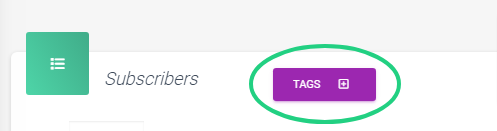
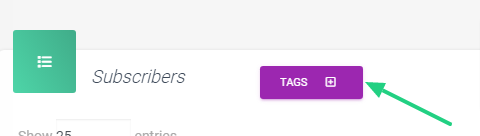
Click on the ‘Tags‘ button:
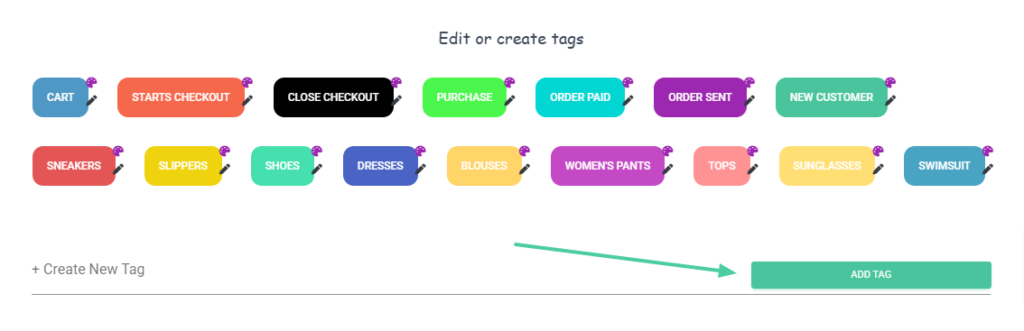
2. A new window will pop up showing all the default tags:
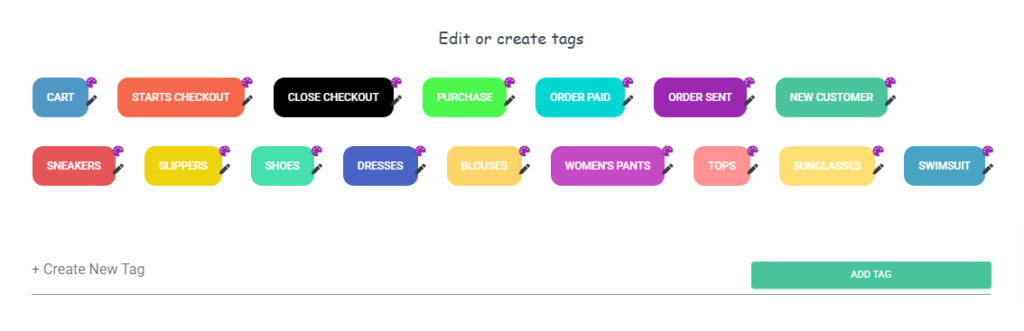
3. If you wish to edit a tag, just click on the pencil icon:
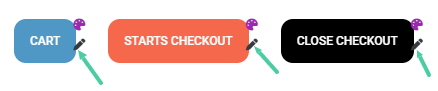
4. You can change the name of the tag. Type the new name and click on “Edit Name“:

5. Next, add a description for your tag and click ‘Save‘ to finish editing:

6. The description will show up when hovering your mouse cursor over the Tag:
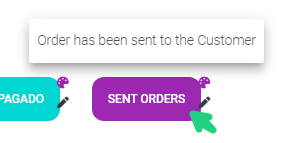
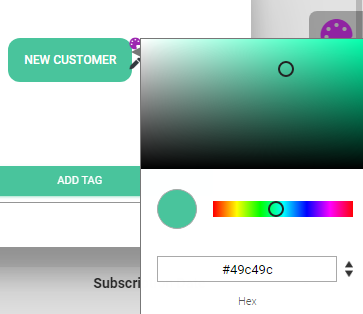
6. Additionally, you can change the tag’s color. To do this, click on the paint palette icon:
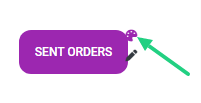
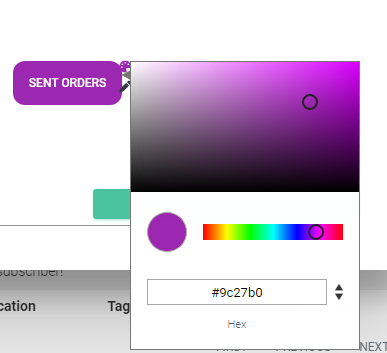
7. The color selection box will appear. Choose your preferred color, and you can preview it on the tag in real-time.
Create new tags
- Click on “Tags“:
2.A new window will pop up showing all the default tags. Enter the new tags name on the “Create New Tag” field and click on “Add Tag“:
3. Enter the new tag description and Save it:

4. Finally, pick the new tag colour, and it will be added to the tag list:
Assigning tags
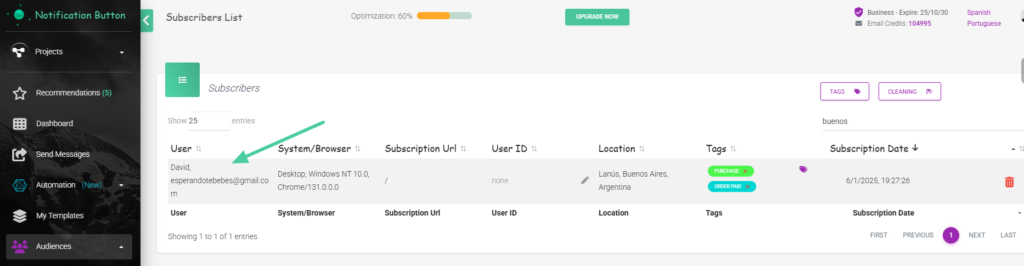
- In your subscriber list, pick the user that you want to add a tag to:
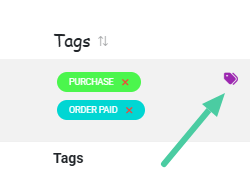
2. On the “Tags” column, click the Tag Icon:
3. You’ll see a list of active tags on your platform. Click on the tag(s) you want to add:
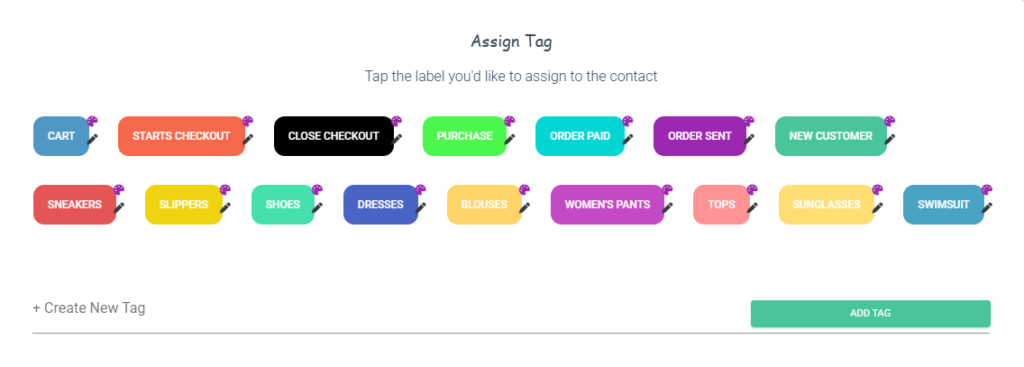
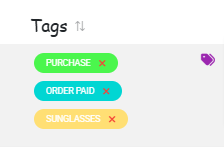
4. The tags will then be assigned to that Customer:
We invite you to create and assign tags to your subscribers to make the most of our platform.
Have not done it yet? Try this tool! it’s very easy to use!


