

Abandoned carts Recovery process

Sumario: Learn how it works and how to use our abandoned cart recovery system
The “Abandoned Carts” feature turns your sales opportunities into concrete sales. To achieve a successful sale, NotificationButton makes several attempts within 48 hours. Below, we explain the different options for your online store.
There are multiple options for your customers to decide to complete their purchase. What’s the best part?
IT’S AUTOMATIC 😎, you won’t have to worry about setting it up or tracking each abandoned cart. These messages are customized by our system and cannot be edited manually.
What is the procedure like?
Once your customers abandon a cart, the app starts sending different incentives within 48 hours. The procedure is as follows:
✔ 1 hour after the purchase: an email is sent (the app sends emails to your customers. This function uses credits, make sure you have enough.) and a push notification (push notifications are sent to the phones of those customers who subscribed to the subscription box).
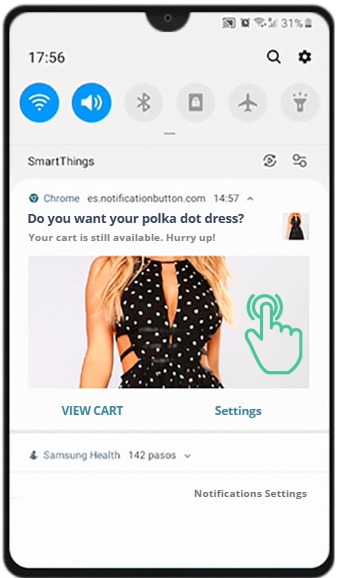
✔ 1 hour and a half later: a WhatsApp message is sent to the client’s mobile phone (it is important to have WhatsApp configured and to know how messages come through WhatsApp).
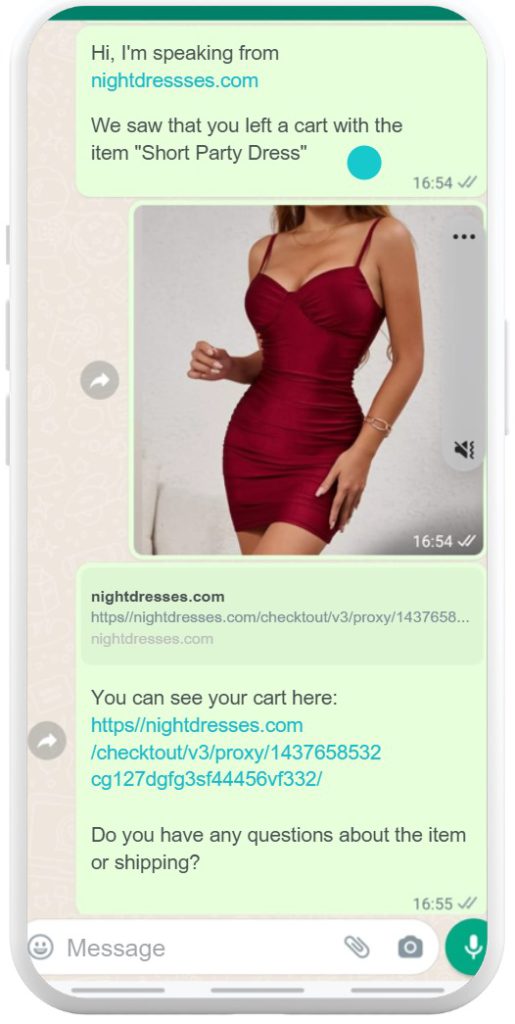
✔ 4 hours after the purchase: a second recovery attempt is made. For it to be effective, we recommend setting up an incentive to add to this message in advance, e.g.: free shipping, discount, etc. If you don’t know how to set up an incentive, we provide you with this shortcut.
✔ 24 hours later: the email and push notification are re-sent.
✔ 40 hours later: this is the last attempt of the app. An email and push notification are sent.
Where do I find the sent messages?
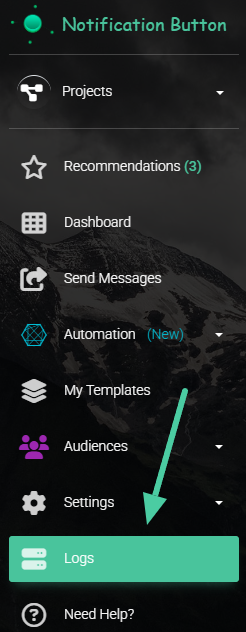
All sent messages can be found for 5 days in the “Log” section of our app menu.

Congratulations on the journey! 🤩 Let’s keep learning more ➡


