Portal de Aprendizaje

"Revenue Recovery orquesta una recuperación de ingresos inteligente"

How do I use My Templates?

Lectura estimada: 2 minutos 452 views Colaboradores

Now that you know how to create your templates, let’s see how to use them. Having your templates ready will help you save time when you want to send your updates.

Where Are My Templates?

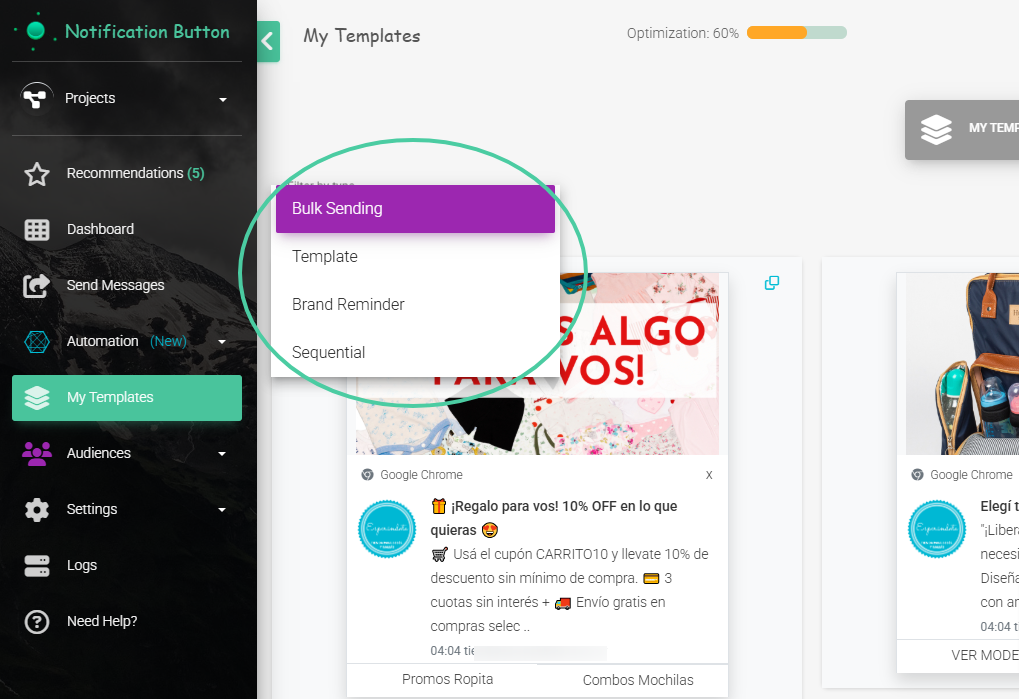
Once you have created your templates, you will be able to find them in the My Templates section, where you will also be able to see all the sent templates:

  • Mass Sendings
  • Sequences
  • Brand Recall
  • Templates

Use your Templates in Mass Sendings

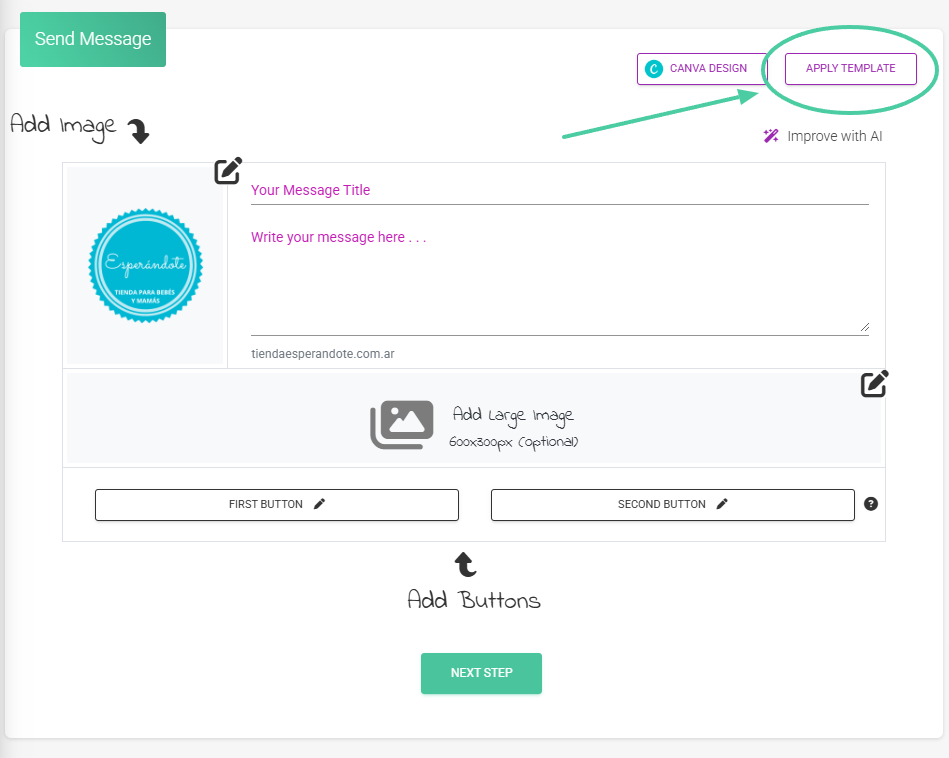
Located in the “Send Message” section, you will find the option to Apply Template, whether it’s your created and saved templates or reusing those you have used in your shipments, sequences, or brand recall.
Use your templates in Sequences

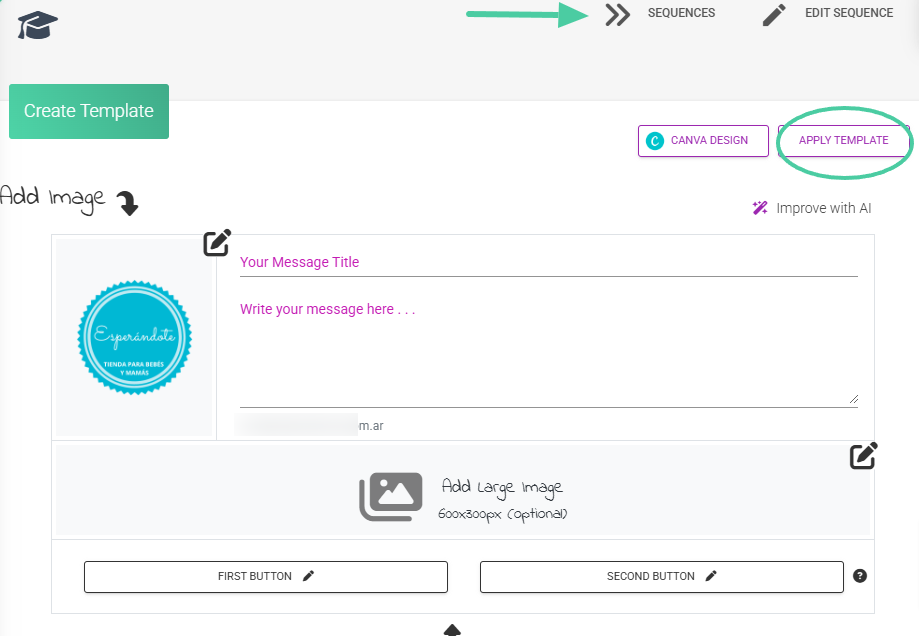
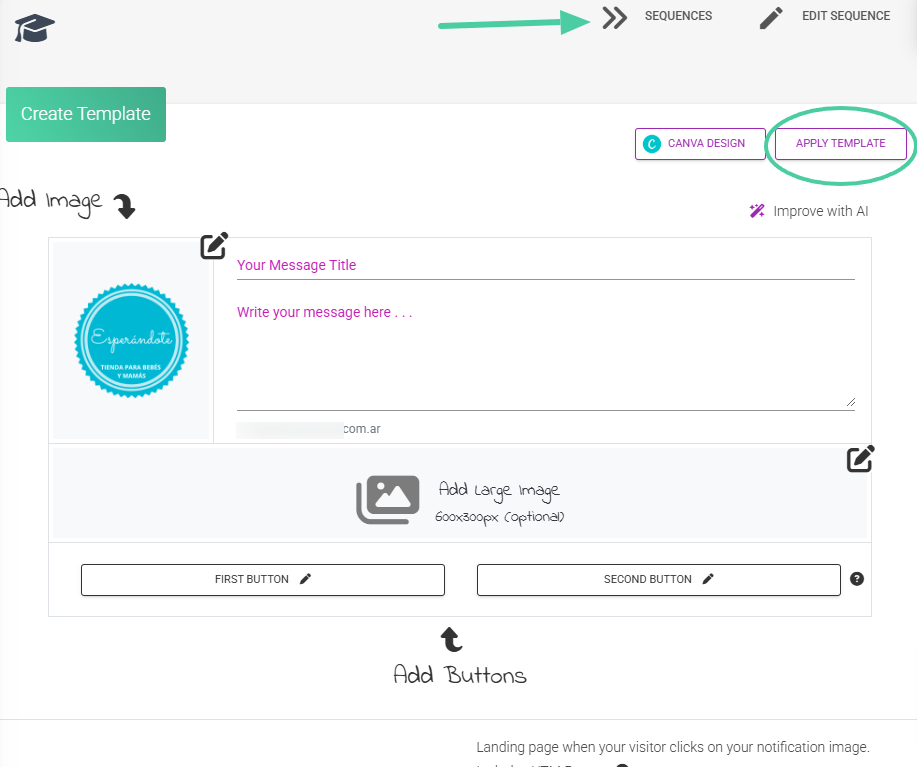
Located in the Automation – Sequences section, you will find the Apply Template option, whether it’s your created and saved templates or reusing those you have used in your sends, sequences, or brand recall:
Use your templates in Brand Recall

Located in the Automation – Brand Recall section, you will find the option to Apply Template, whether your created and saved templates or reusing those you have used in your shipments, sequences, or brand reminders:
Tips

Create your Templates based on your event calendar and important dates, for example, CyberMonday, Hot Sale, Winter-Summer Holidays, Mother’s/Father’s Day, etc. This way, when the date arrives, you will already have your designs ready to send.

If you want to see how to create your Templates from scratch, I invite you to check out our step-by-step guide here: Create my templates.

Compartir documento

How do I use My Templates?

o copiar link

CONTENIDOS

Protocolos de Etiquetado y Segmentación

Los protocolos de etiquetado son un mecanismo fundamental para la hiper-segmenta...

Planes #1420

¿Alguna vez has sentido que tu tienda online está estancada, sin alcanzar todo...

Lifestyle Engine: Contextualización y Escalabilidad Visual

En el E-commerce de alto volumen, la producción de contenido visual suele ser u...

Custom footers and headers for Emails

The emails you send to your customers are an extension of your brand. Now you ca...

Cleaning of inactive subscribers

Cleaning up your subscribers is something you really need to do to keep your con...

How to connect your TikTok account

Did you know that the same message you send to your subscribers could be reachin...

Add Gifs to my Emails

In a world where attention is key, the key to standing out is connection. GIFs a...

Protocolos de Inserción de Campos Dinámicos

La utilización de campos dinámicos permite la contextualización precisa de ca...

Email Editor

Our upcoming professional email editor lets you fully customize your campaigns w...

How to login with Pinterest

Learn how to login and link your Pinterest with NotificationButton

Visualizador de Hitos de Ingresos

Este gráfico revela el comportamiento preciso de los Perfiles antes de cada con...

Integración de Pinterest en iCortex

Procedimiento para la publicación programada de contenido visual en Pinterest d...

Chat Icon Close Icon